
Upload an image and click 'Generate 3D' to create a 3D model with Tripo3D AI
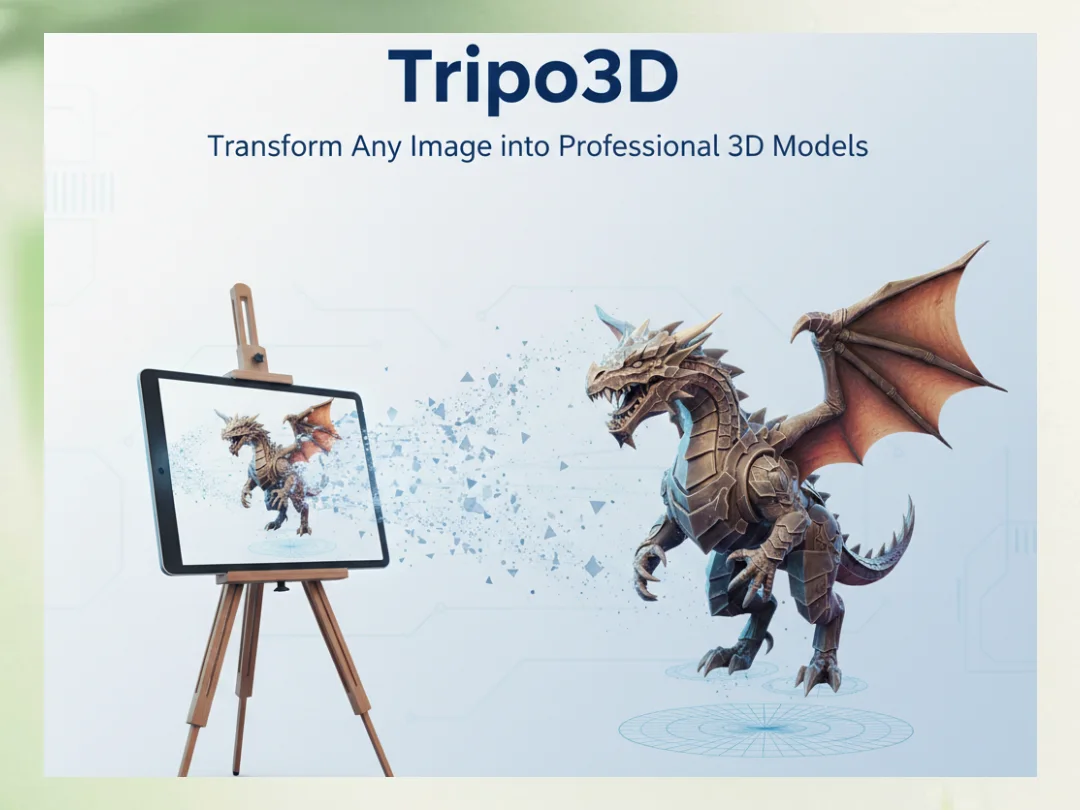
Tripo3D: Transform Any Image into Professional 3D Models
Tripo3D revolutionizes 3D content creation with advanced AI technology. Simply upload a single image, and Tripo3D AI instantly generates a complete 3D model with accurate geometry and textures. Whether you're a game developer, designer, or 3D enthusiast, Tripo 3D makes professional tripod 3D model creation accessible to everyone. Experience the power of tripo ai 3d technology that transforms how we create 3D content. Tripo3D handles complex shapes, organic forms, and detailed objects with remarkable accuracy.
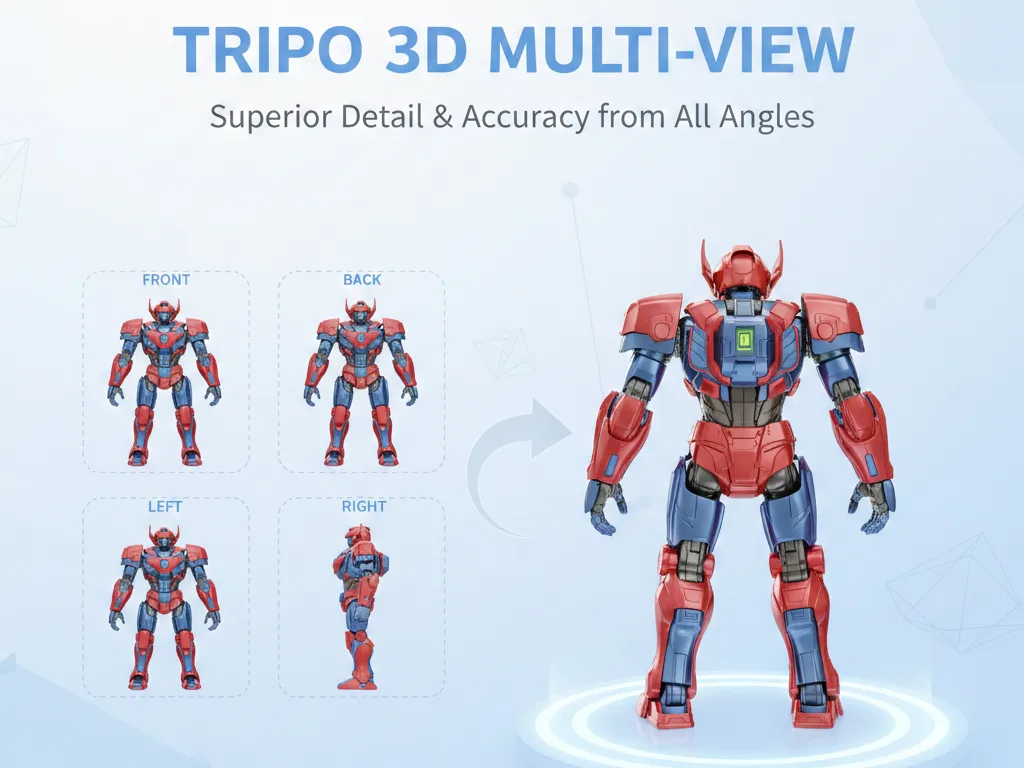
Enhanced Tripo 3D Results with Multi-View Input
Take your Tripo3D creations to the next level with multi-view support. Upload front, back, left, and right images for even more accurate 3D reconstruction. Tripo3D AI intelligently combines multiple viewpoints to create tripod 3D models with superior detail and accuracy. This tripo ai 3d feature is perfect for objects that need precise representation from all angles. Tripo 3D's multi-view mode ensures your 3D models match your reference images exactly.
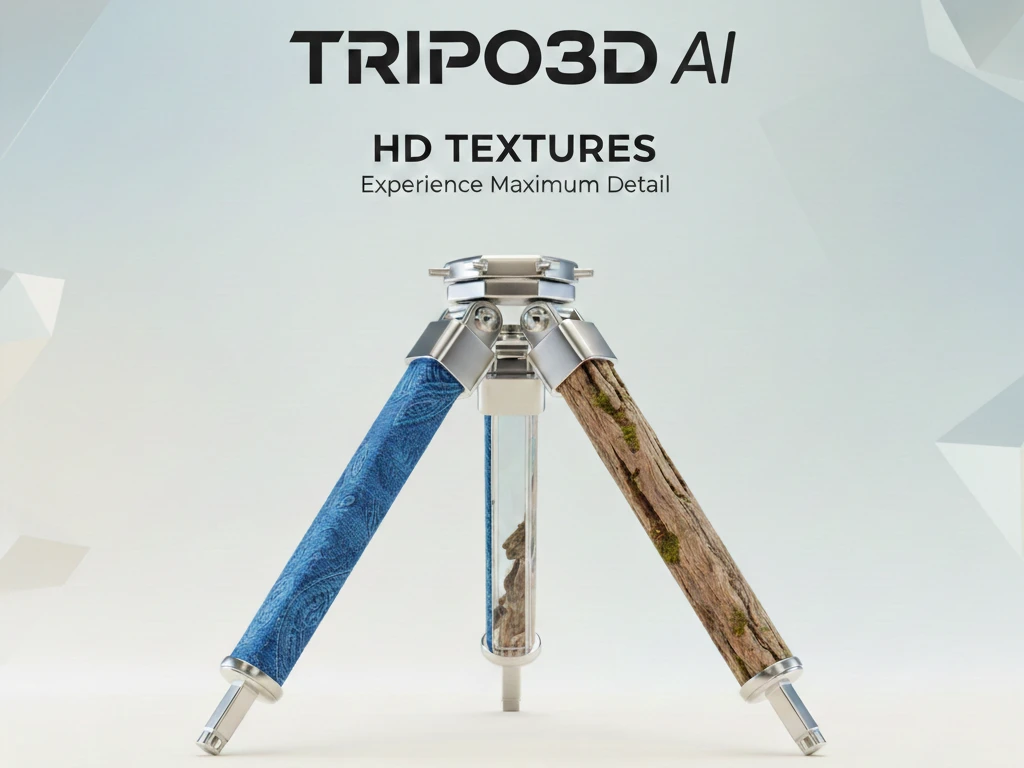
Stunning HD Textures with Tripo3D AI
Tripo3D offers three texture quality options: No Texture for clean geometry, Standard for balanced results, and HD for maximum detail. The Tripo 3D AI engine generates PBR-ready materials that work seamlessly in modern rendering pipelines. Create tripod 3D models with realistic surfaces, reflections, and material properties. Tripo3D's texture technology captures fine details like fabric patterns, metal finishes, and organic textures with impressive fidelity.
Create 3D Models with Tripo3D AI in 3 Easy Steps
Tripo3D makes professional 3D generation accessible to everyone. No 3D modeling experience required—just upload, configure, and generate with tripo ai 3d technology.
Upload Your Image to Tripo3D
Drag and drop any photo into the Tripo3D tool. Tripo 3D accepts JPG, PNG, and WEBP formats. For best results, use clear images with good lighting. Optionally add multi-view images to enhance your tripod 3D model accuracy.
Configure Tripo3D Settings
Customize your Tripo3D output: choose texture quality (None, Standard, HD), enable PBR materials, or select quad mesh for animation-ready models. Tripo3D AI optimizes each setting for professional results.
Generate and Download
Click 'Generate 3D' and let Tripo3D AI create your model. Preview the result in our interactive 3D viewer, then download the GLB file. Your tripo ai 3d creation is ready for games, AR/VR, 3D printing, or any application.
Tripo3D Applications: From Gaming to E-Commerce
Discover how Tripo3D AI is transforming industries with instant tripod 3D model generation. The tripo ai 3d technology powers creative workflows worldwide.
Game Assets with Tripo3D
Create game-ready 3D assets using Tripo3D from concept art or reference photos. Tripo 3D's GLB output works directly in Unity, Unreal Engine, and Godot. Speed up your game development with instant tripod 3D model generation powered by tripo ai 3d technology.
3D Printing via Tripo3D
Convert any photo to a 3D printable model with Tripo3D AI. Create custom figurines, prototype designs, or personalized gifts. Tripo 3D generates manifold meshes optimized for FDM and SLA printing processes.
AR/VR Content with Tripo3D
Build immersive experiences using Tripo3D generated assets. Transform real-world objects into virtual tripod 3D models. Tripo3D AI creates optimized files that perform smoothly in Meta Quest, Apple Vision Pro, and WebXR applications.
E-Commerce 3D by Tripo3D
Enhance product listings with interactive 3D views powered by Tripo 3D. Let customers examine products from every angle. Tripo3D AI helps increase conversions by 40% with engaging tripod 3D model displays.
Digital Art via Tripo3D
Transform 2D artwork into stunning 3D pieces using Tripo3D AI. Create NFT collections, animated displays, or mixed-media installations. Tripo 3D opens new creative possibilities for digital artists worldwide.
Educational Models
Create 3D visualizations for classrooms with Tripo3D. Educators use tripo ai 3d to bring historical artifacts, scientific specimens, and complex concepts to life. Tripo 3D makes interactive learning accessible and engaging.
Why Choose Tripo3D Over Traditional 3D Creation
See how Tripo3D AI compares to conventional tripod 3D model creation methods.
Tripo3D FAQ: Your Questions About Tripo 3D AI Answered
Everything you need to know about using Tripo3D for professional tripod 3D model generation.